Sworn
Android · by Adiram

Screen-time limits you actually keep.

Setting a limit is easy. Keeping it is the hard part — because the person who can undo it is you, at exactly the moment you least want to be stopped. Sworn hands that decision to someone else.

Get it on Google Play Coming soon to Google Play
Inside the app

Four screens, and that is most of it.

No dashboard to learn, no settings maze. You set a limit, you see where the time went, and the rest happens in the background. Daily, weekly and monthly reports are built on your phone rather than on a server, alongside streaks for the days you kept to it.
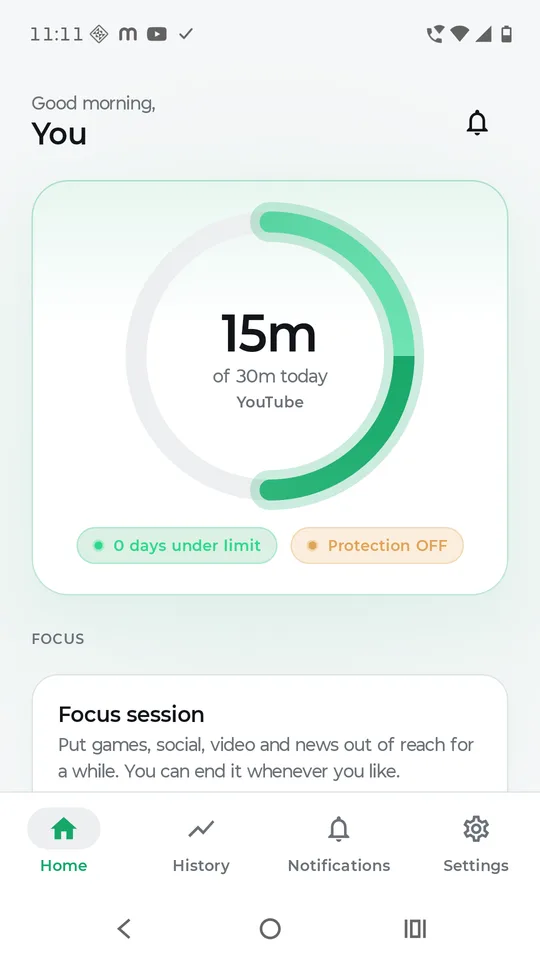
The home screen: a ring showing 15 minutes used of a 30 minute daily YouTube limit, with a streak counter below.
Today, at a glance
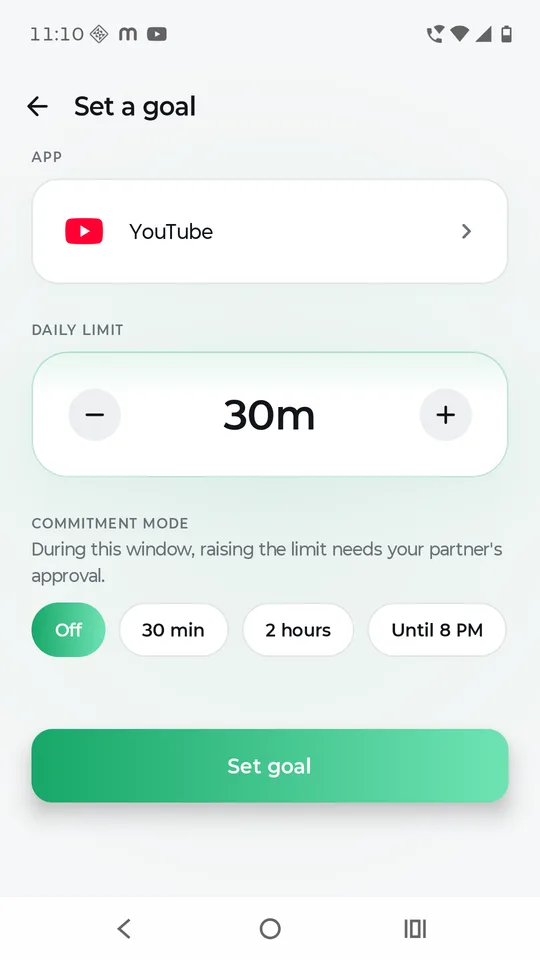
Setting a goal: choosing YouTube, a 30 minute daily limit, and a commitment window during which raising it needs partner approval.
Set a limit you mean
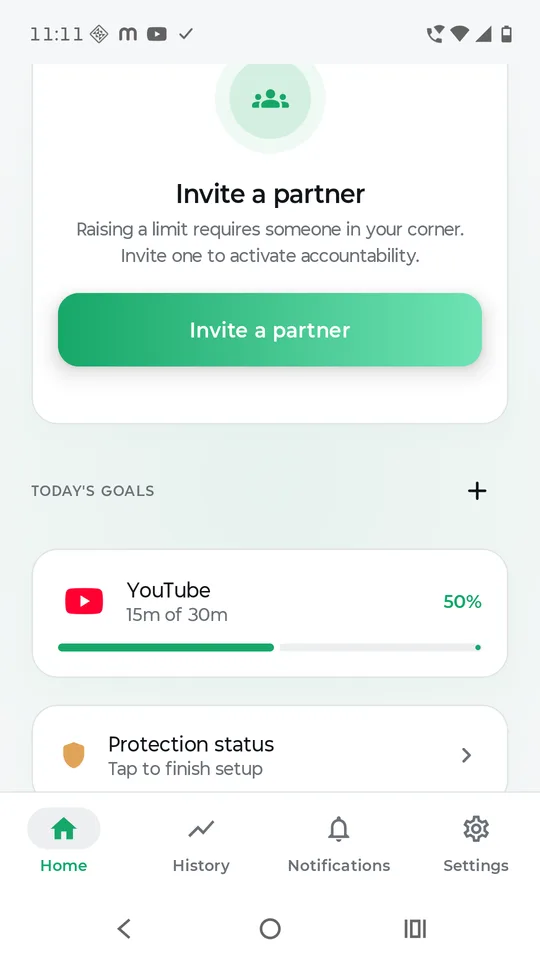
Inviting a partner to hold you accountable, above the list of today's goals and progress against each limit.
Invite someone you trust
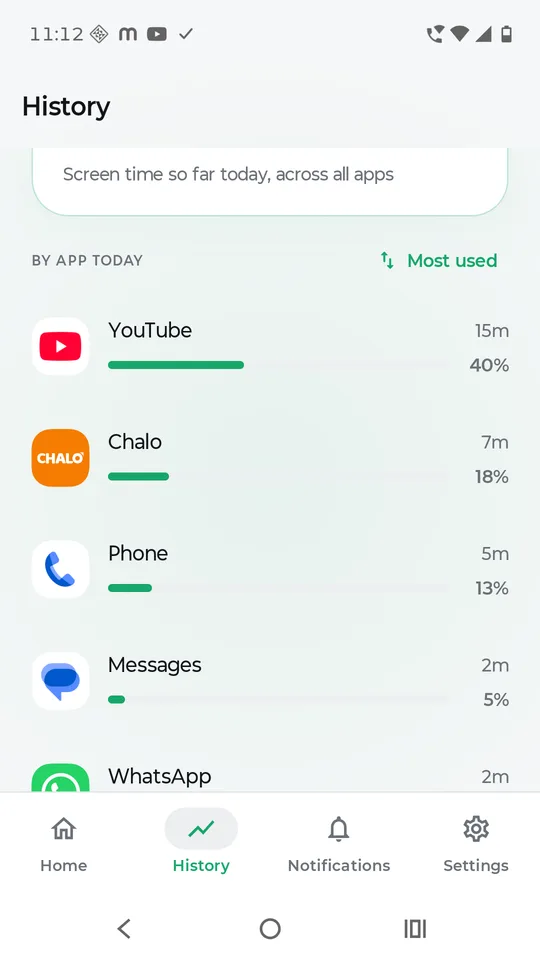
History: today's screen time broken down app by app, sorted by most used, with a percentage against each.
See where the time went
How it works

Four steps, then it stays out of your way.

  1. Pick the apps that take your timeSworn reads per-app screen time from Android's own usage statistics — the same source Digital Wellbeing uses — so you're choosing from evidence rather than a hunch.
  2. Set a daily limit you meanYour limit, your call: Sworn never sets one for you and never suggests a number. Cross it and the app stops opening — not a nudge, not a notification you can swipe away.
  3. Invite someone you trustA friend, a partner, a peer. They hold the key to changes — not your device, and not an administrator.
  4. Ask, when you need toHit your limit and want more? Send a request. They see what you're asking for and approve or deny it from a notification.
Built to be trusted

What Sworn will never do.

An app that watches your phone use has to earn the permission it asks for. These aren't aspirations — they're how it's built, and they're written into our privacy policy.